
Why recipe pages are so long
Many recipe sites publish the recipe twice: once for readers, inside a long article, and once as structured data that search engines read (the schema.org "Recipe" format). That structured copy has the ingredients, steps, times and servings, without the story.
How Recipe Card skips to the recipe
- Open a recipe page in Chrome.
- Click the Recipe Card button in your toolbar.
- Read a clean card with the ingredients, steps, times and servings. Copy a grocery list or save the recipe to your Recipe box.
It reads the recipe data the site already publishes, on the tab you clicked, and processes it on your device. Pages without that data show a short notice instead of a card.
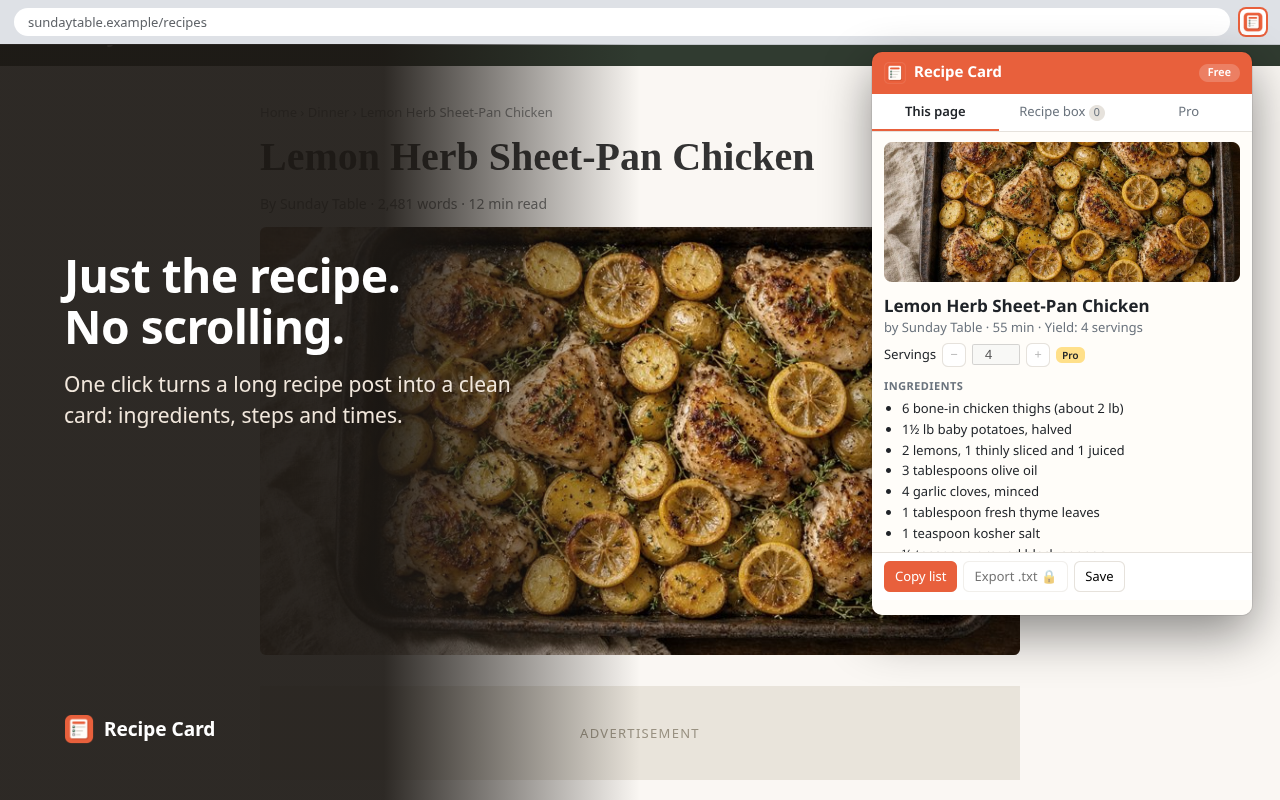
Scale servings and shop faster
With Pro ($7.99 one-time, no subscription), scale any recipe up or down with kitchen-friendly fractions, keep unlimited recipes, and combine several recipes into one grocery list in US or metric units.
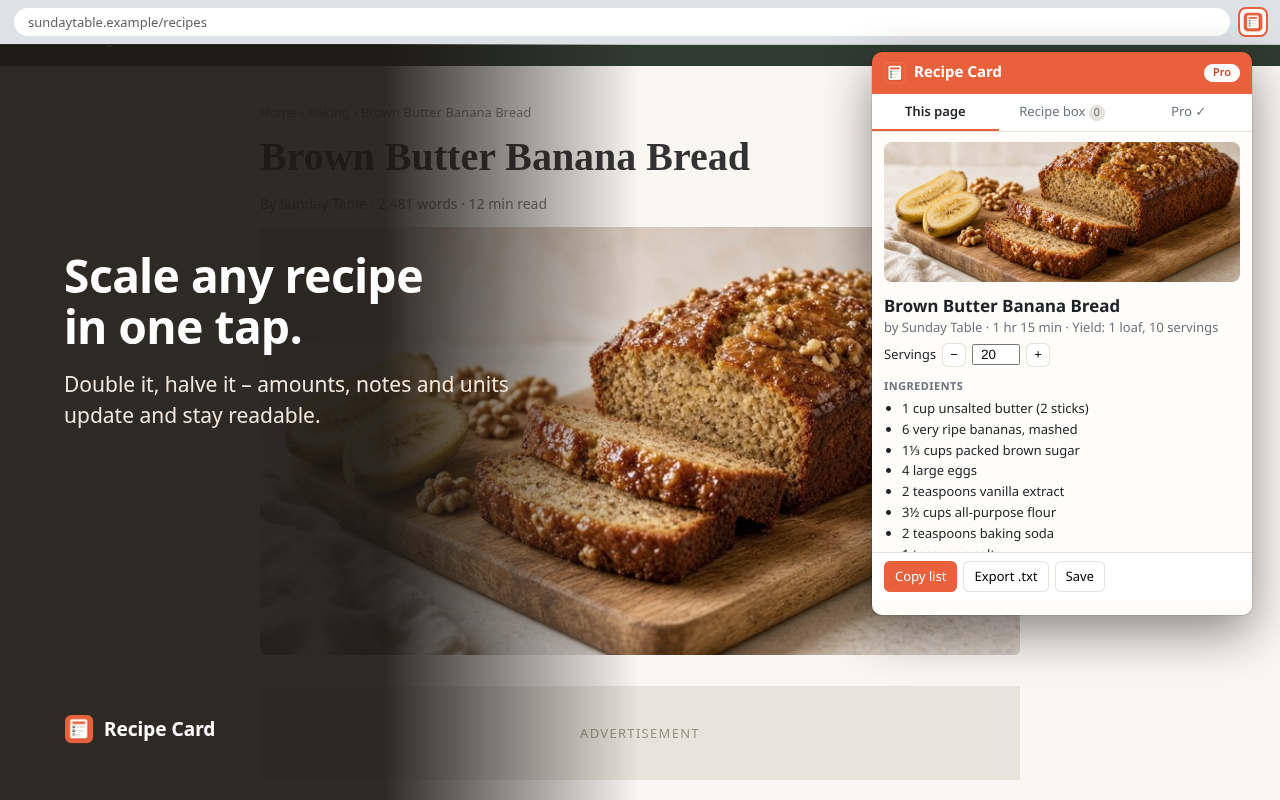
Still visit the sites you love
Recipe Card opens over the page you are on. The original page stays loaded, so you can scroll back to the author's tips and notes anytime.
Be first to try it
We'll use your email to tell you once when Recipe Card is available in the Chrome Web Store. No spam, never sold or shared. Unsubscribe or ask us to delete your email anytime: support+recipe@lzgroupllc.com. See our privacy policy.